
Overview
How we built this shortlist
Decide first whether you actually want WiFi. It enables viewing away from home and easier household sharing, but availability can depend on the router, internet connection, vendor service, app session, and phone notifications. A dedicated non-WiFi parent unit is usually the clearer fit when local viewing during an internet outage is the priority.
For an app camera, verify live-view delay, night viewing, audio behavior, alert controls, background notification delivery, household permissions, multi-factor authentication, firmware support, and local versus cloud storage. Two cameras help with two rooms or angles but also increase placement, bandwidth, and account-management work.
We have not hands-on tested alert reliability, privacy, or network behavior. Confirm manufacturer-intended use, keep cords and hardware outside the child's reach, secure the account, and test outages and notifications in your home. Never treat a general camera as a medical, breathing, or life-safety device.
What to check first: • App access, account security, household sharing, and remote viewing • Night viewing, audio, alert behavior, and safe placement • Local storage versus cloud fees and retention limits • WiFi and internet dependence during an outage
Choose Anona only when two verified cameras solve a real coverage need. For one room, start with the lower-cost Tapo and move to the second listing only for a confirmed feature difference—not merely a higher price. In every case, app permissions, storage terms, night audio/video, and outage behavior matter more than resolution alone.
If you prefer video that stays on a local camera-to-parent-unit link, use Best Non-WiFi Baby Monitors for Privacy & Range. For indoor pet or general room monitoring, see Best Indoor Security Cameras for Pets and Babies.
Top picks
3 picks- 1
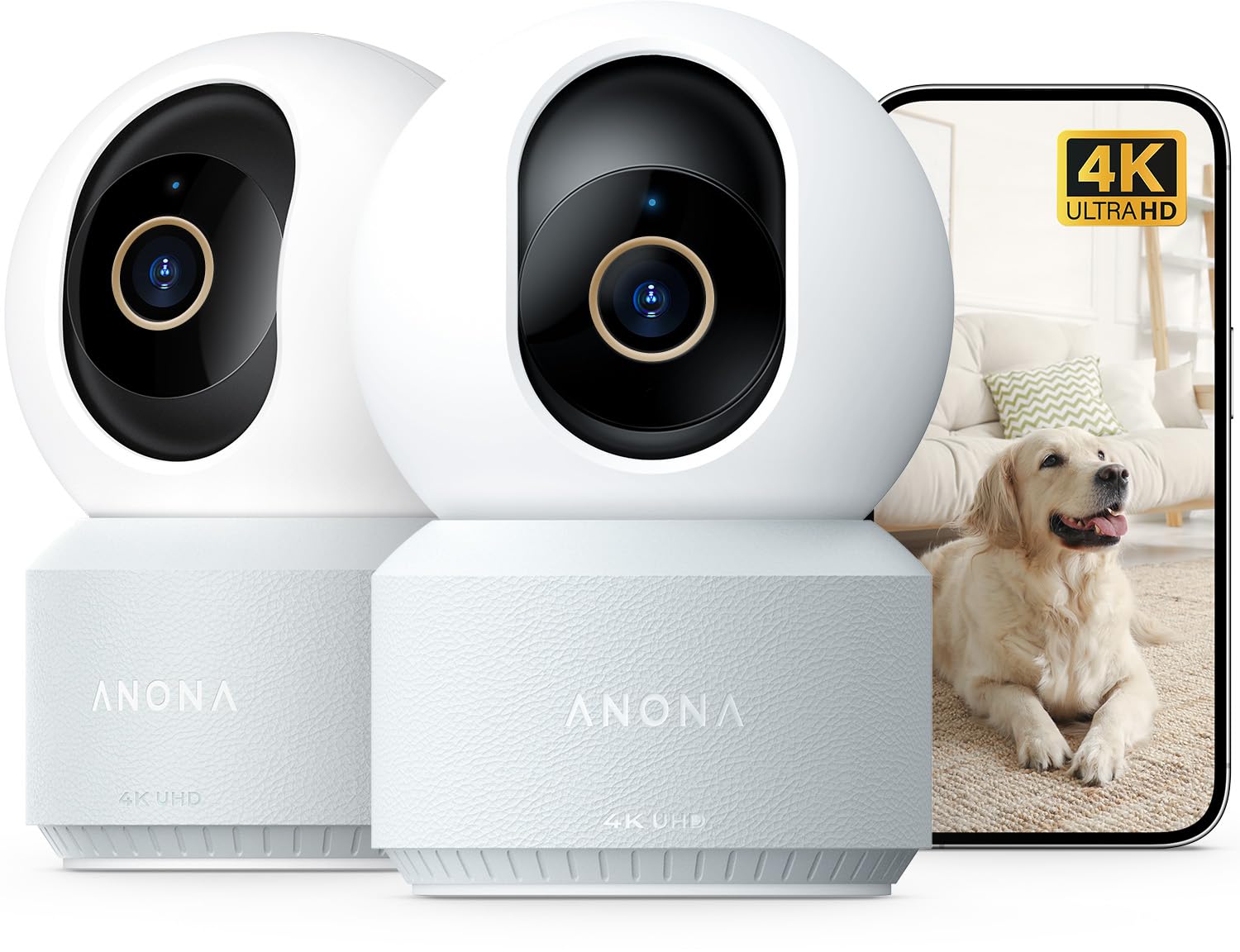 Two-camera nursery option
Anona 4K UHD Indoor Camera, Pet/Dog/Baby Security Camera with Phone App, 360°Pan-Tilt, 5G/2.4G Dual-Band Wi-Fi 6, Auto-Tracking, Person/Pet/Baby Crying Detection, Privacy Mode, Two-Way Audio, 2 Pack
Two-camera candidate for two rooms or genuinely useful angles. Verify intended use, night audio/video, household sharing, account security, outage behavior, notification delivery, and storage costs.
- 2
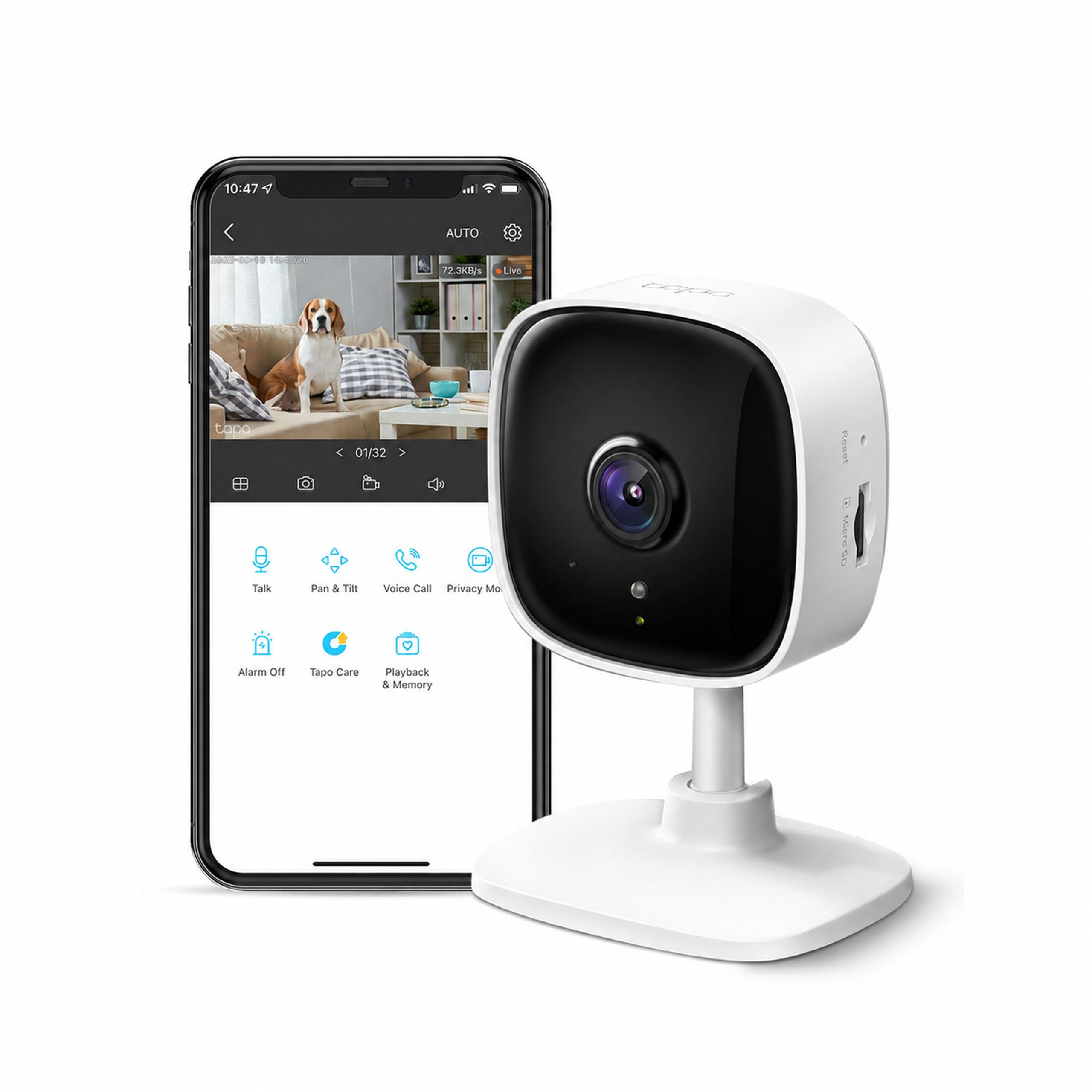 Lowest-cost app camera
Tapo 1080P Indoor Security Camera, Baby Monitor, Dog Camera, Wired, C100
Cost-first single-room app-camera candidate. Confirm intended use, night viewing, audio, background alerts, local storage, multi-factor authentication, and behavior when internet service fails.
- 3
 Tapo step-up app camera
Kasa 1080p Indoor Pan/Tilt Wired Security Camera, Baby & Pet Monitor, EC70
Tapo step-up for phone-based room viewing. Choose it only for a verified camera, audio, motion, storage, or control advantage over the lower-cost listing; it is not a medical or life-safety device.
FAQ
WiFi and app-monitoring questions for nursery setups.
A: They use household WiFi and an app for viewing and alerts. They are camera-based app solutions, not local-only monitors with a dedicated parent screen.
A: Choose WiFi when remote phone access matters. Choose Best Non-WiFi Baby Monitors for Privacy & Range when you prefer a local link, a dedicated parent unit, and less dependence on internet service.
A: Do not assume so. Verify the manufacturer's intended use, alert behavior, audio, account security, outage behavior, and placement guidance before relying on an app camera in a nursery.
A: Behavior varies. Loss of internet may disable remote viewing or cloud alerts even if the local network remains up; loss of router power can stop app access entirely. Test the exact camera and keep a direct, non-camera way to check the room.