How we built this setup
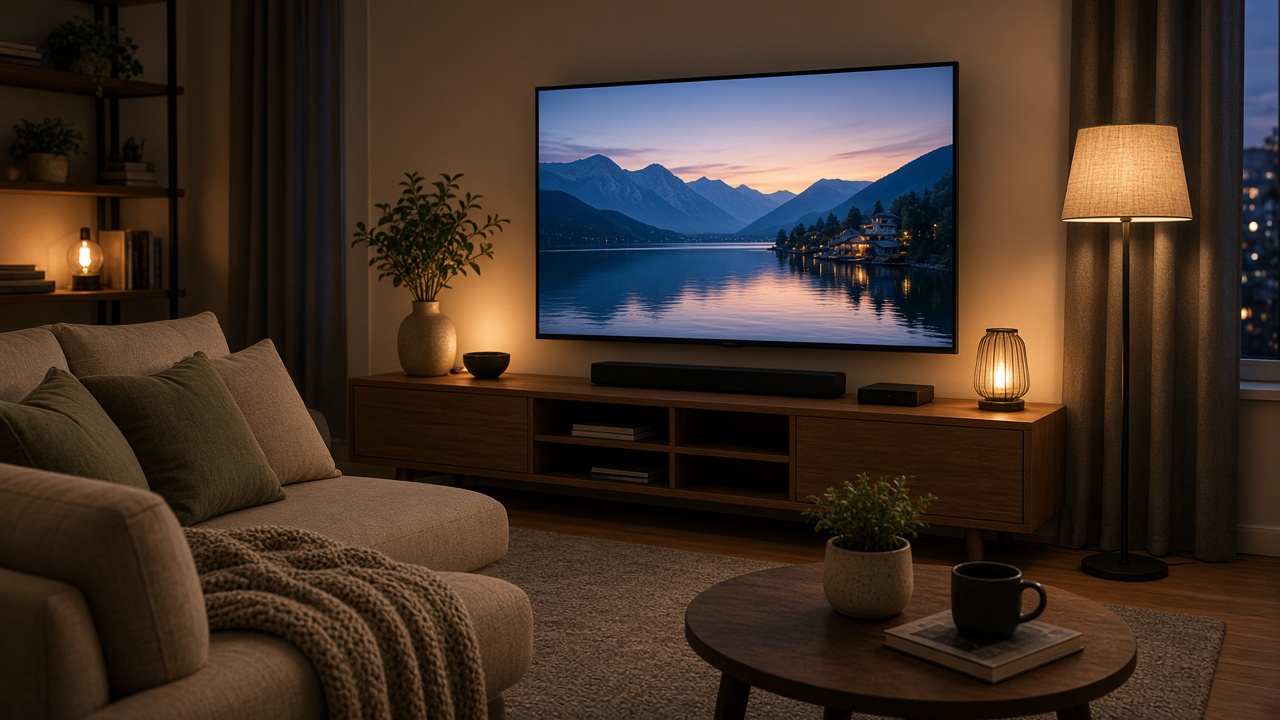
Choose the display around seating distance, room light, and the content you actually watch. A budget OLED or 55-inch 4K TV can be the visual center, but size and panel type should fit the room rather than the deal headline. Leave enough space for ventilation and access to ports before mounting or placing the set.
Sound is the next obvious improvement. A soundbar with subwoofer suits a simple front-of-room setup, while a Bluetooth speaker pair may be better when flexible placement matters. A streaming stick or box should match the services and remote experience your household uses, and a mesh node or Wi-Fi 6 router helps only when the network layout needs it.
The HDMI 2.1 cable is specifically relevant when gaming hardware needs the connection. Confirm display size, available ports, network coverage, cable length, audio input, and current compatibility before checkout.
Living-room checks:
• Measure viewing distance, furniture width, and wall or stand clearance.
• Count HDMI ports before adding a console, soundbar, or streaming device.
• Place speakers where the room and cable path can support them safely.
• Upgrade Wi-Fi only after identifying the room where signal is weak.

 2
2 3
3 4
4 5
5 6
6 7
7 1Must-buyView on Amazon ↗