How we built this setup
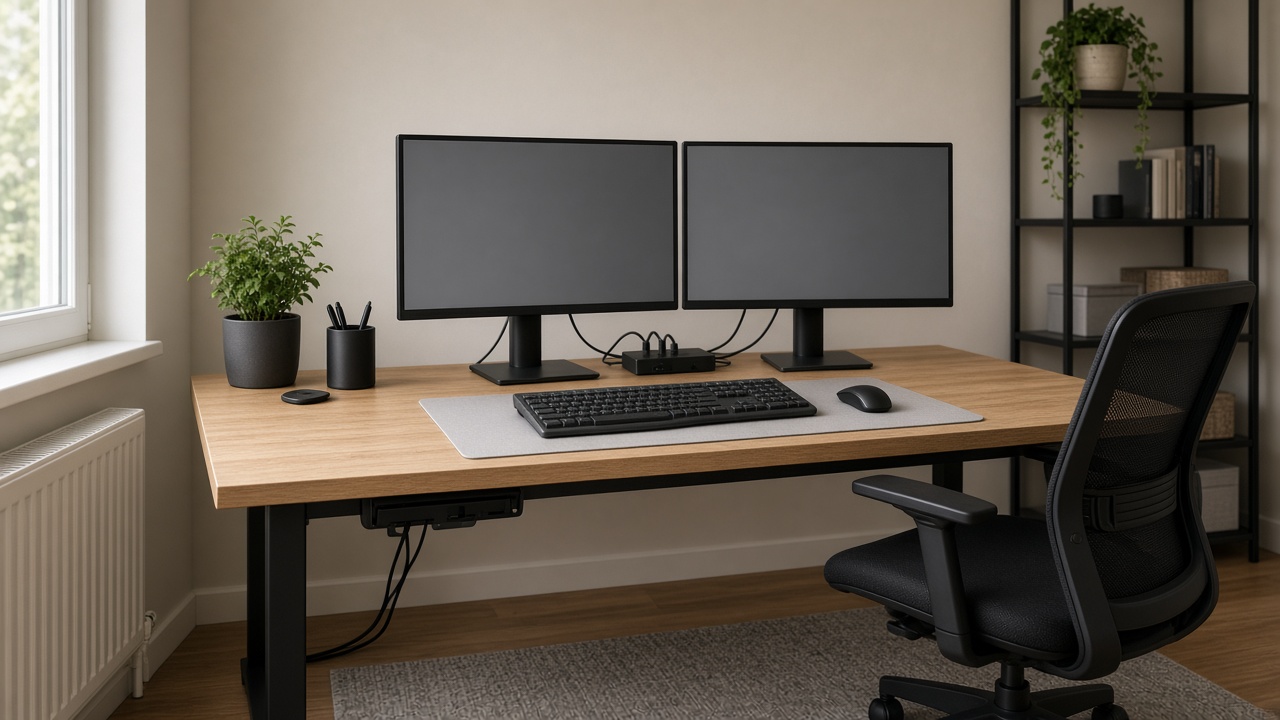
Start by checking the computer, then choose the two matched 24 inch monitors. Matching size and placement makes the center line easier to manage, but the laptop or desktop still needs the right outputs. The USB-C docking station should simplify the connection path rather than become another incompatible box on the desk.
The support choice depends on the desk and the two screens. A dual monitor arm can reduce stand clutter, while two single arms allow more independent placement. Use HDMI/DP cables with the required length, leave enough depth for the screens, and place the ergonomic chair where you can see both monitors without twisting.
Check each monitor's inputs, the dock's supported connection path, arm compatibility, desk depth, and cable length on the current listings. Route the cable raceway only after the final screen positions are known.
What to check first:
• Confirm the computer can drive two matched monitors through the proposed dock.
• Measure desk depth, screen width, arm reach, and chair clearance.
• Choose cable lengths after deciding where the dock and monitors will sit.
• Check the desk mounting surface before clamping monitor arms.

 2
2 3
3 4
4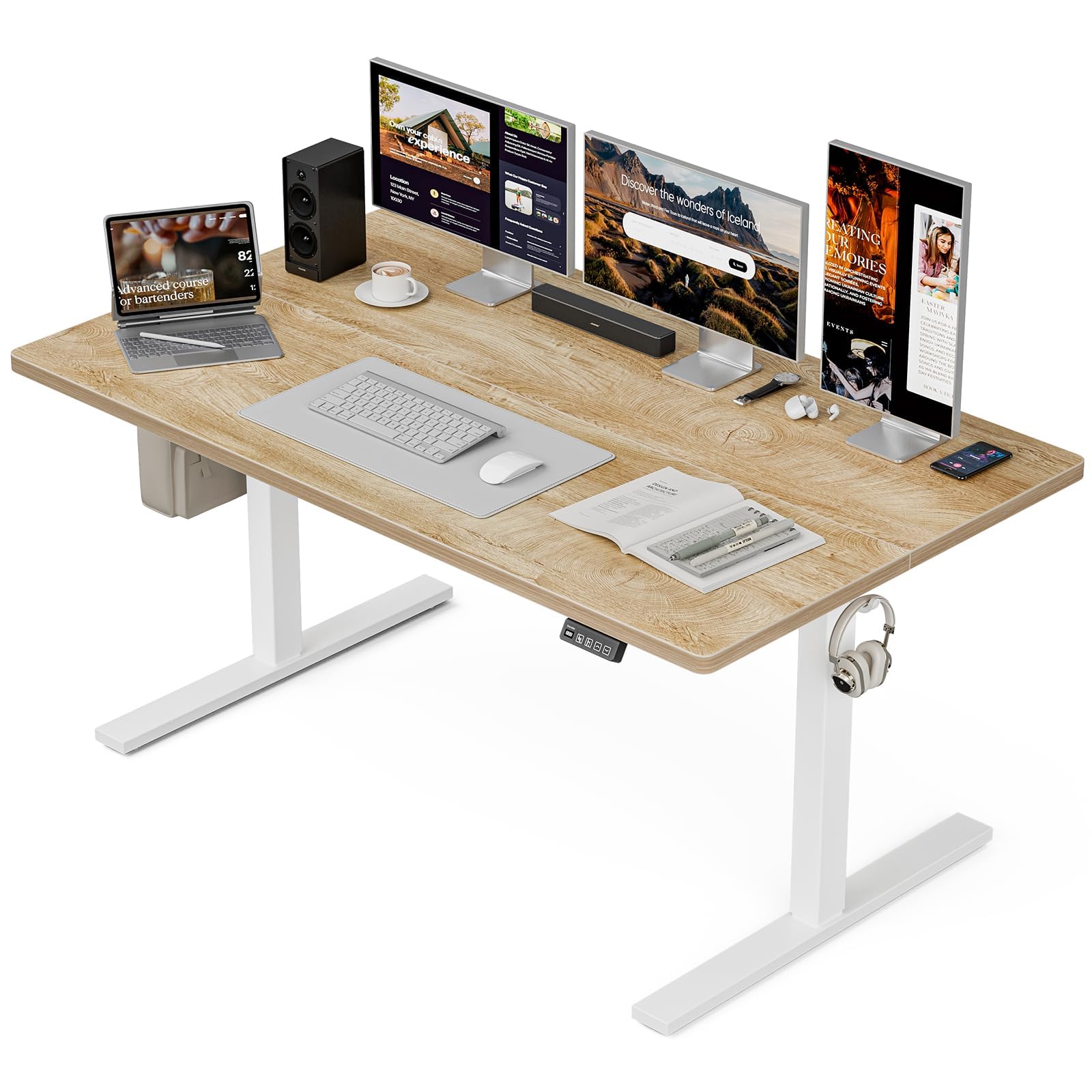 5
5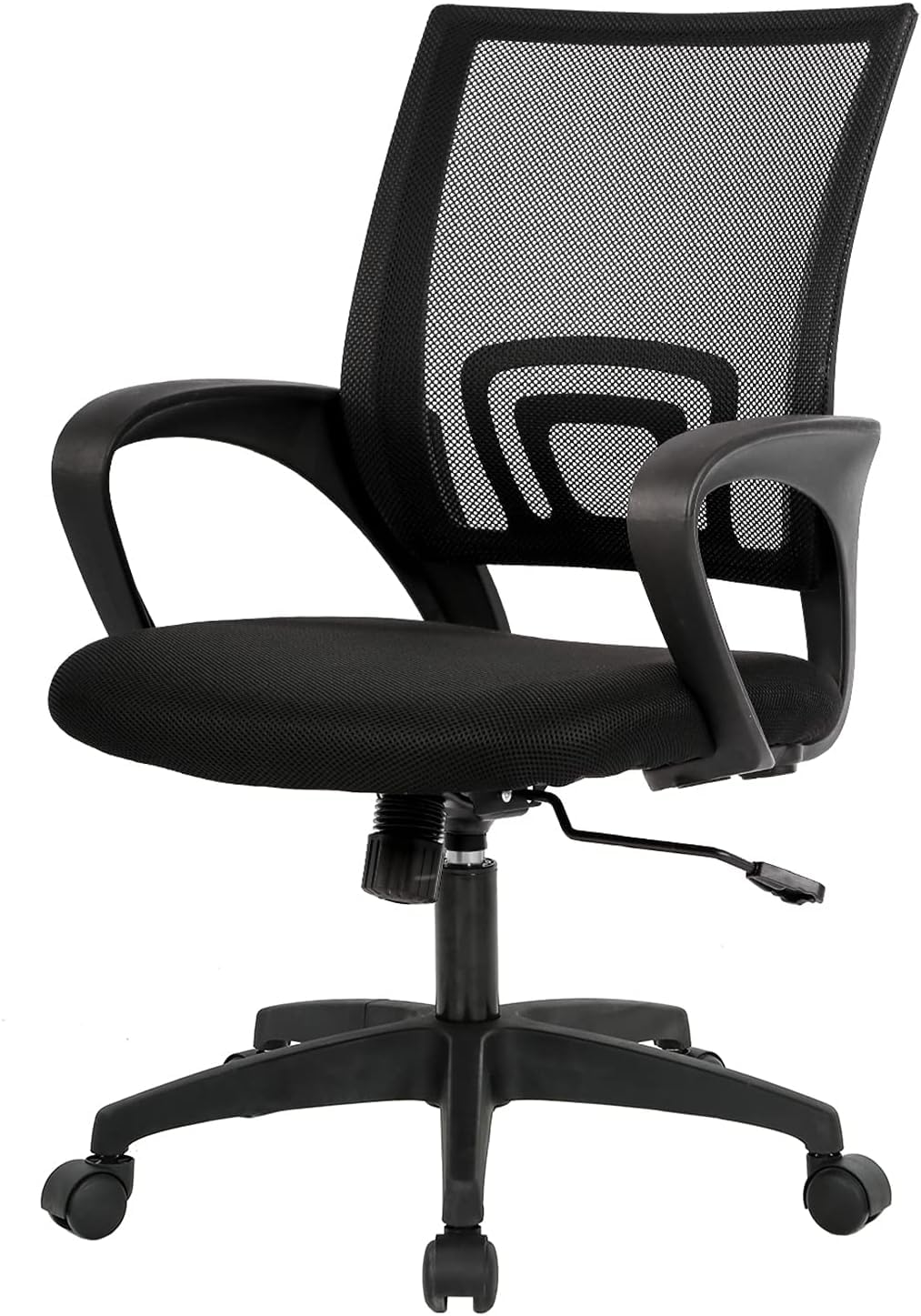 6
6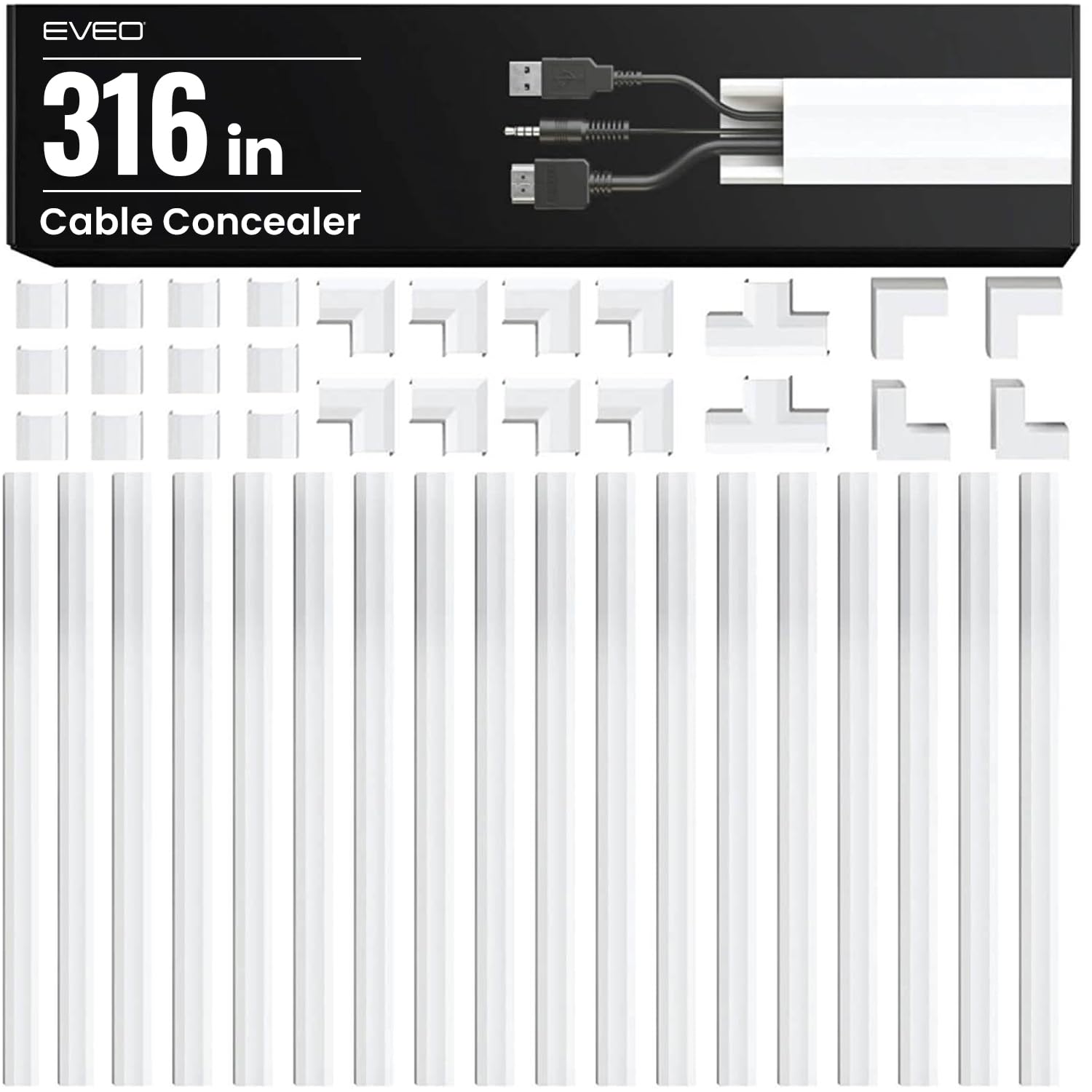 7
7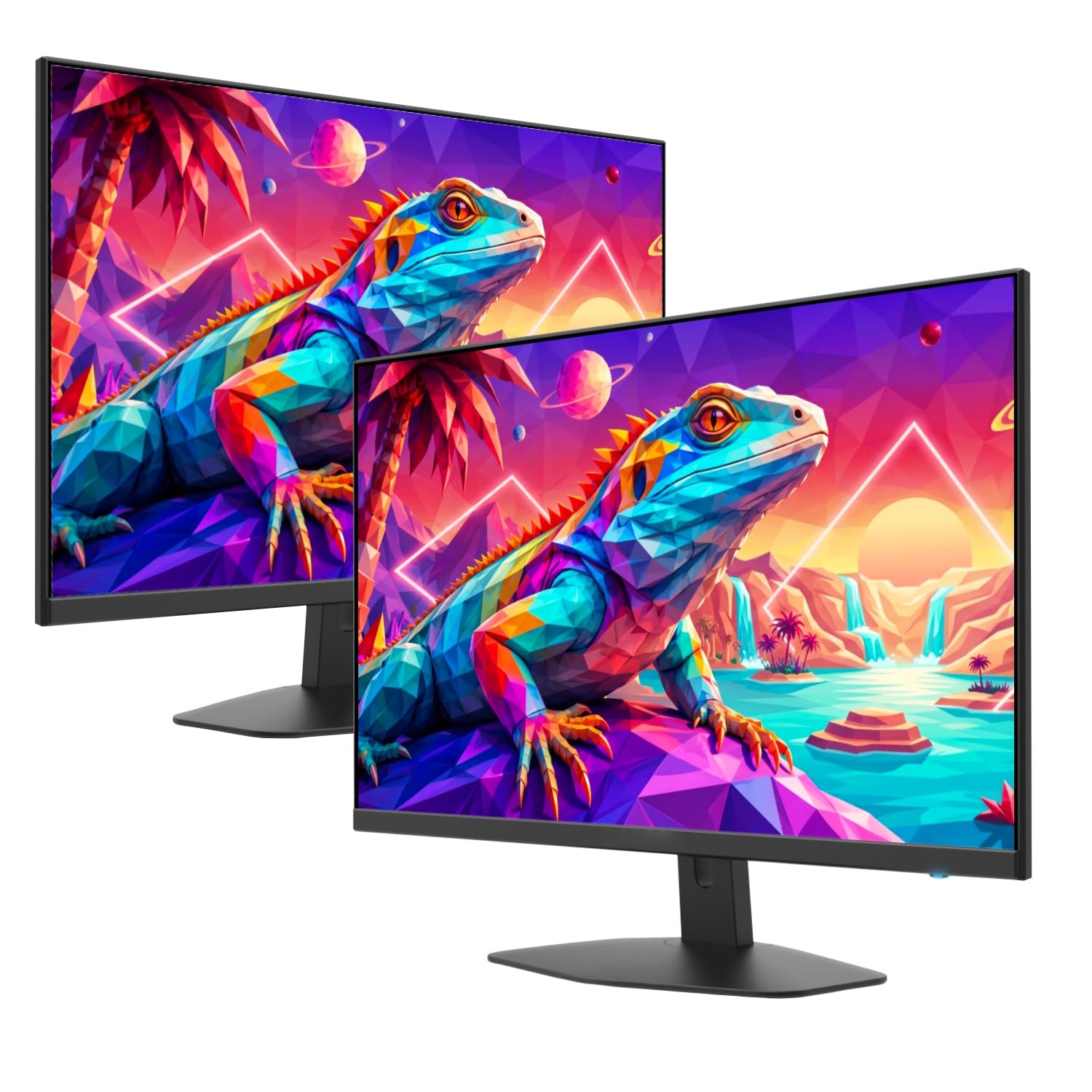 1Must-buyView on Amazon ↗