How we built this setup
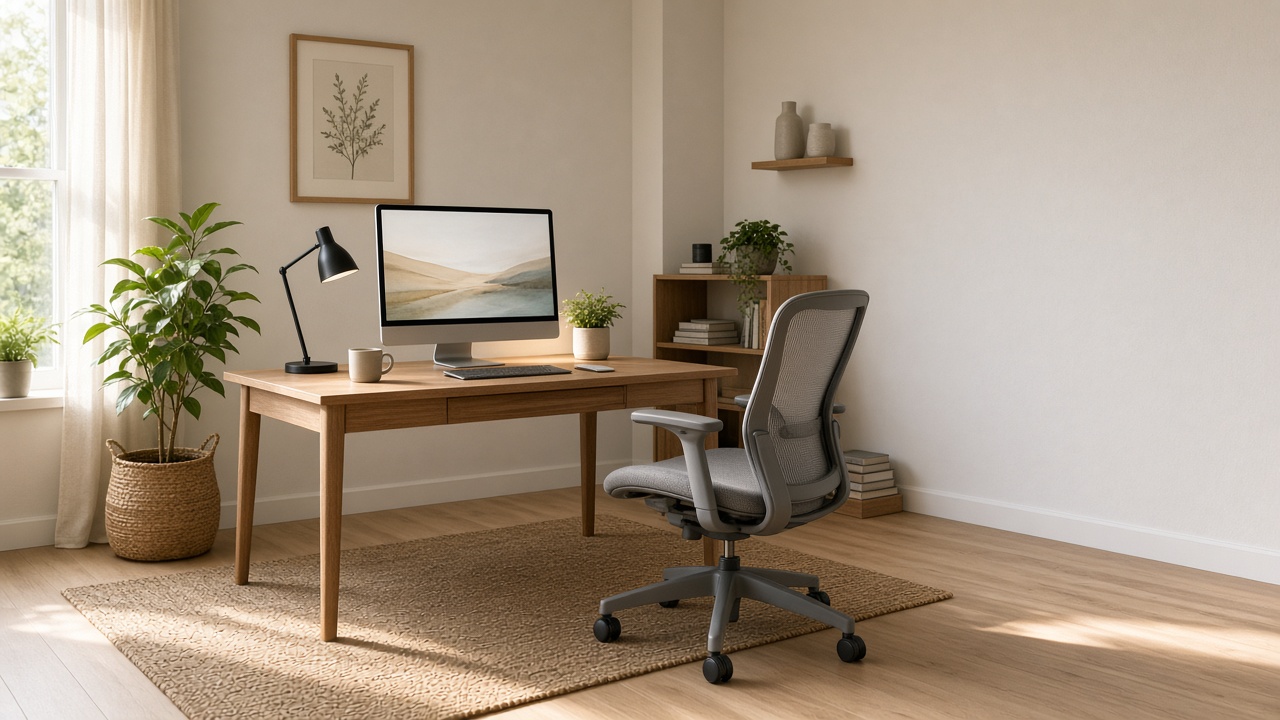
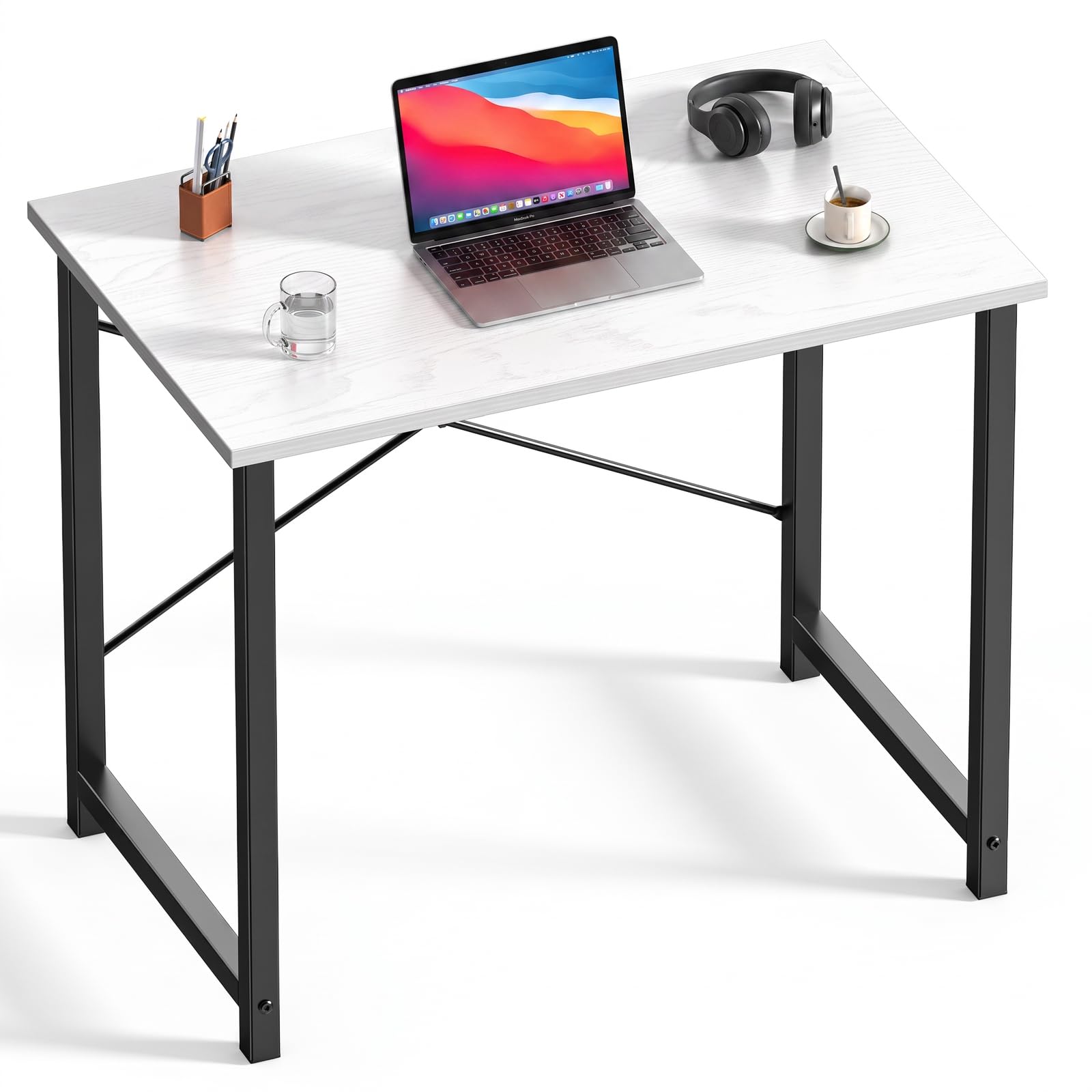
Choose the chair, desk, and monitor as one physical system. The ergonomic office chair needs room to move under the desk, the computer desk or electric standing desk needs a usable working depth, and the 24–27 inch monitor should sit where you can read it without leaning forward. Measure the wall, chair pull-out space, and screen depth before ordering.
Connection and input tools should match the computer you actually use. A USB-C hub or docking station can reduce daily cable swaps, while a wireless keyboard and mouse combo keeps the main surface flexible. Route the cable management kit before placing the lamp so the lighting and charging paths do not compete for the same small strip of desk.
Treat the monitor arm and footrest as optional comfort adjustments, not automatic upgrades. Confirm VESA compatibility, desk clearance, monitor weight guidance, and each listing's current dimensions before buying.
What to check first:
• Measure the desk wall, chair clearance, and monitor viewing distance.
• Confirm your computer's ports before choosing a USB-C hub or docking station.
• Plan cable routes before placing the lamp, keyboard, and mouse.
• Check monitor-arm compatibility before adding a VESA mount.

 2
2 3
3 4
4 5
5 6
6 7
7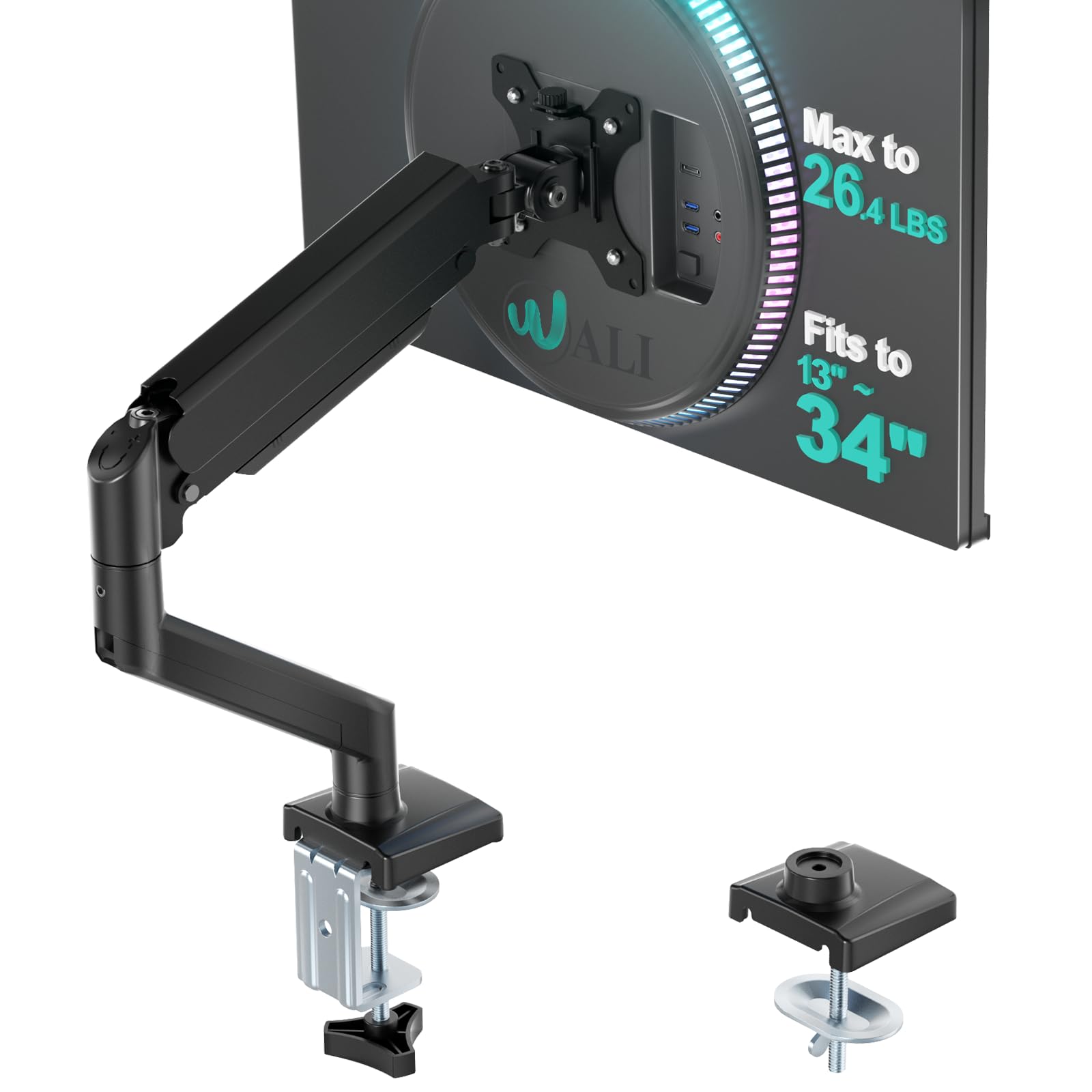 8
8 9
9 1Must-buyView on Amazon ↗