How we built this setup
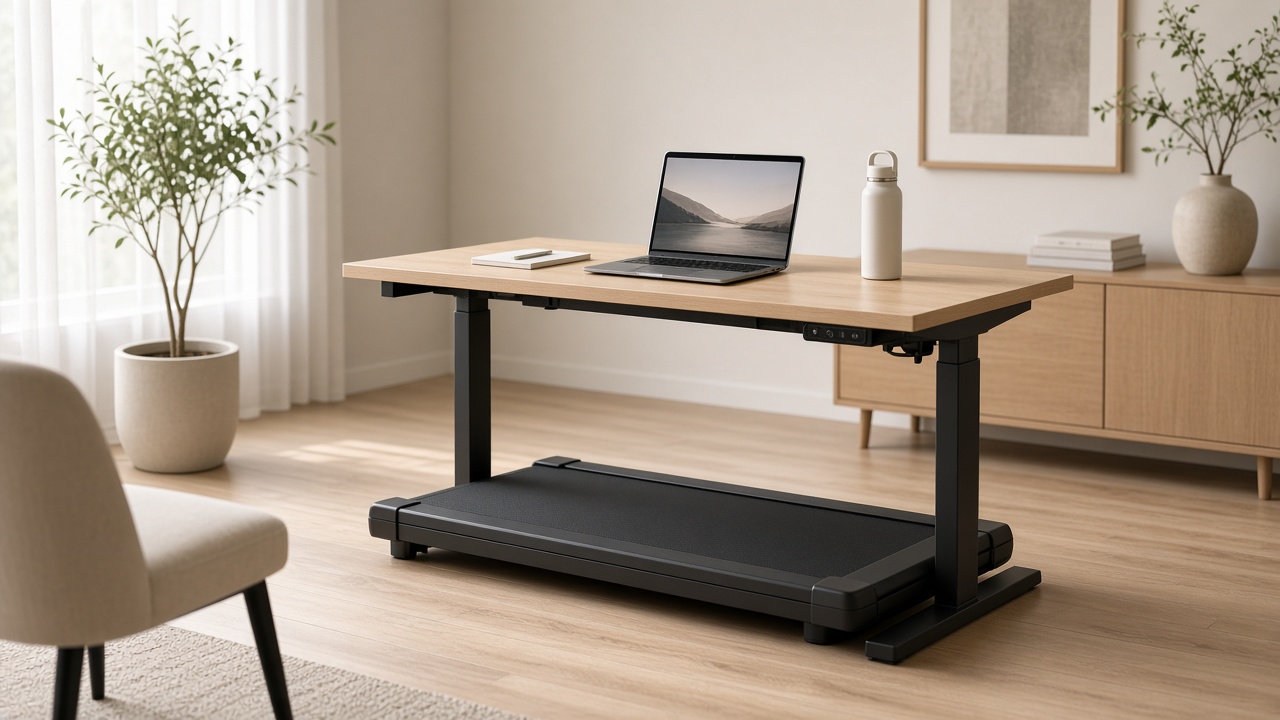
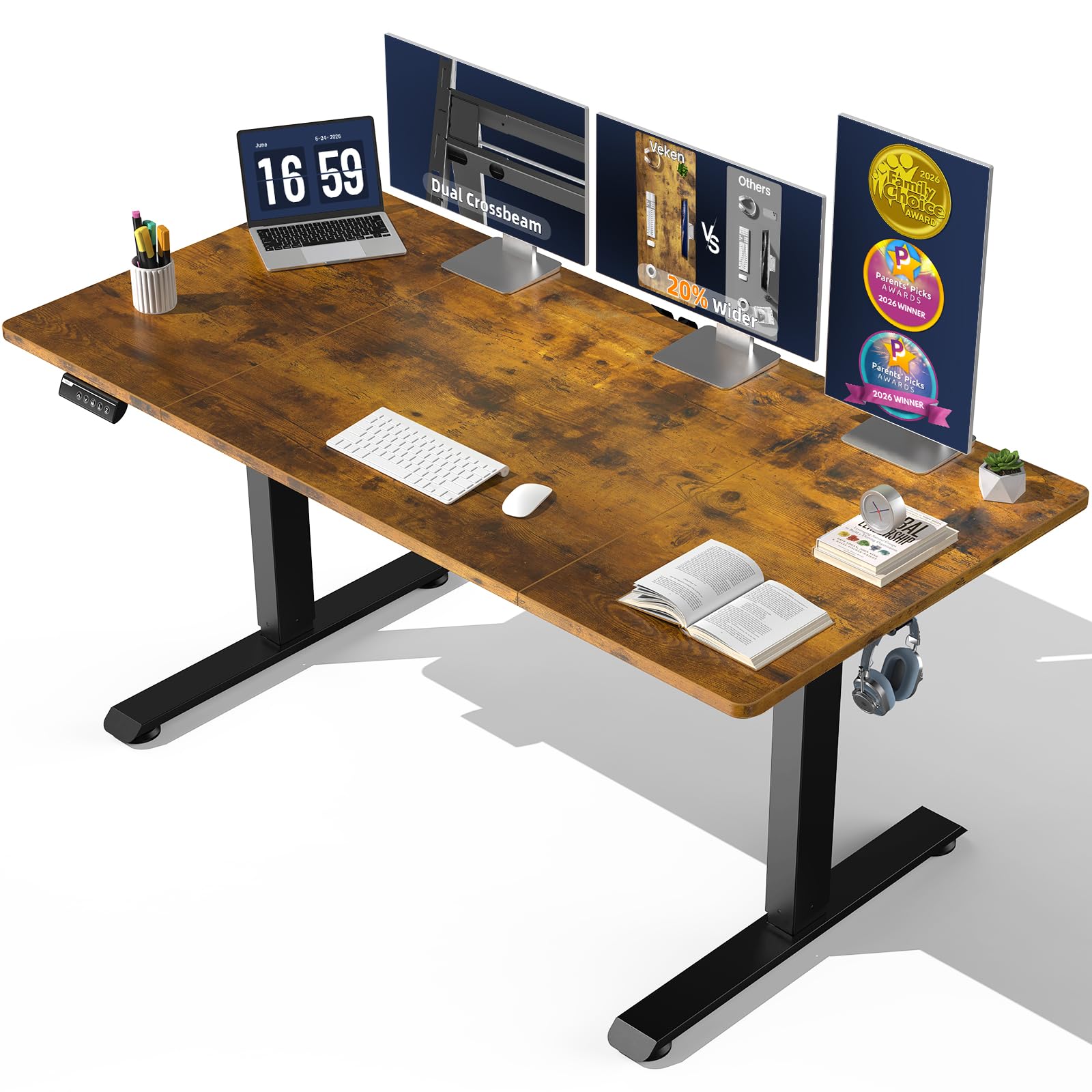
Start with the walking pad footprint and the place where it will be stored when not in use. The standing desk or desk converter riser must leave enough room for the pad, your stance, and a clear step-off area. Do not place the setup where a chair, rug edge, or door swing can become a trip point.
The monitor arm and wireless keyboard should be adjusted for a standing height rather than copied from a seated desk. The anti-fatigue mat belongs where you stand when the pad is off, and the remote holder keeps the walking pad control from disappearing under the desk. Build short sessions around easy tasks, then pause for work that needs precise typing or full attention.
Confirm the product's actual footprint, desk stability, monitor-arm compatibility, and the walking pad's operating guidance before use. Keep cords, footwear, and nearby furniture clear of the moving surface.
What to check first:
• Measure the walking pad, standing desk, step-off area, and storage path.
• Confirm the desk remains stable at the height you will use.
• Position the monitor and keyboard before starting the pad.
• Keep the remote, cords, and floor surface clear during every session.

 2
2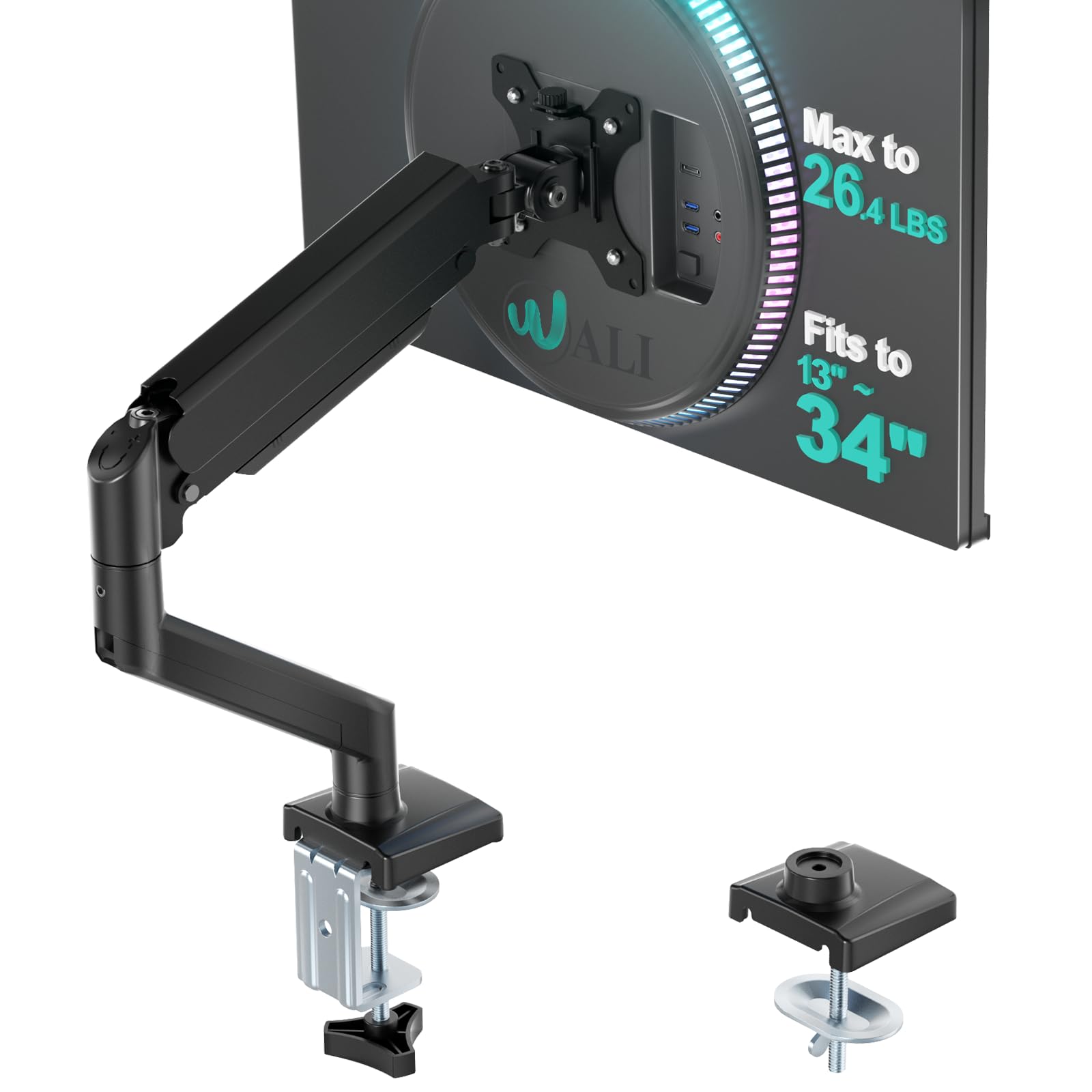 3
3 4
4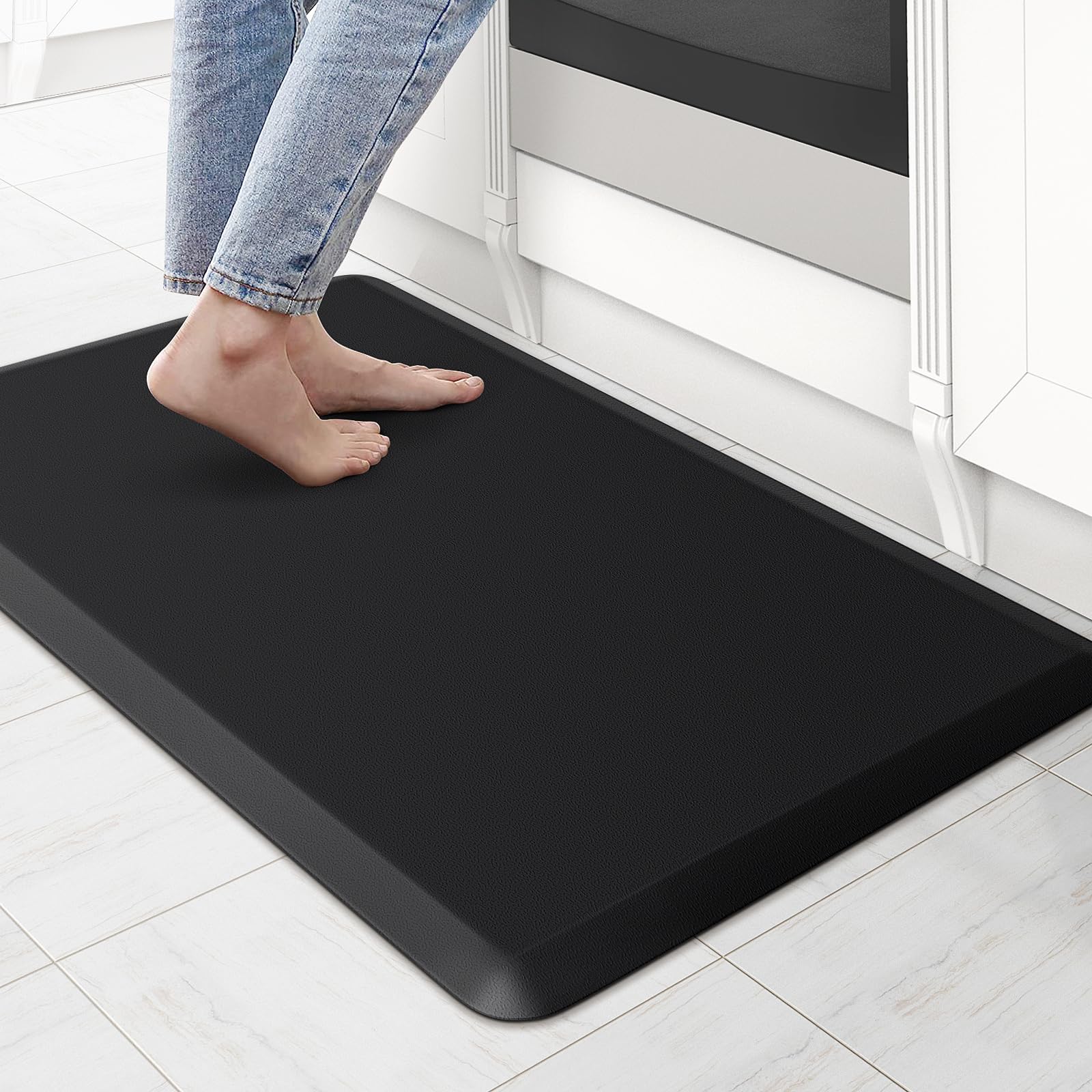 5
5 7
7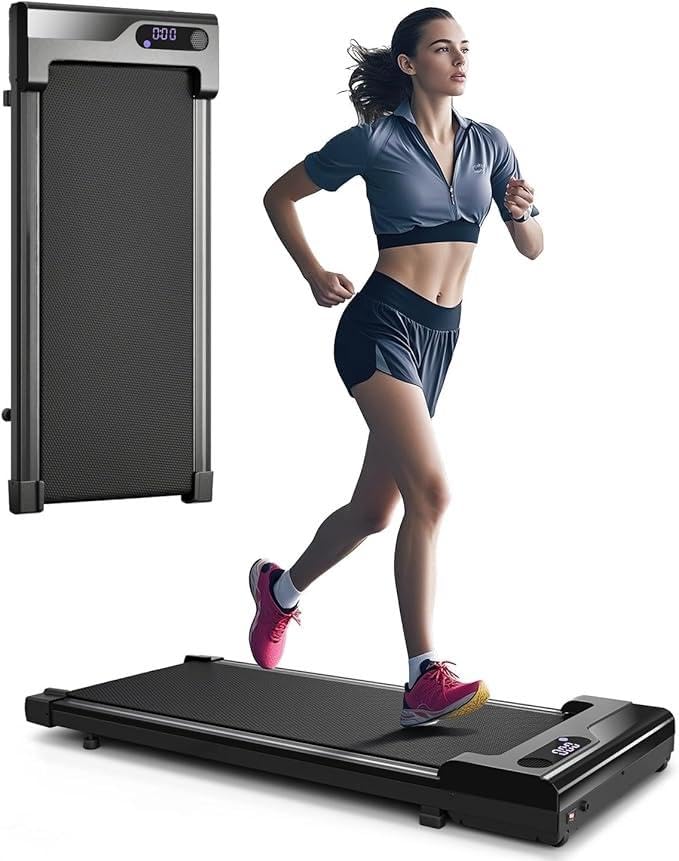 1Must-buyView on Amazon ↗